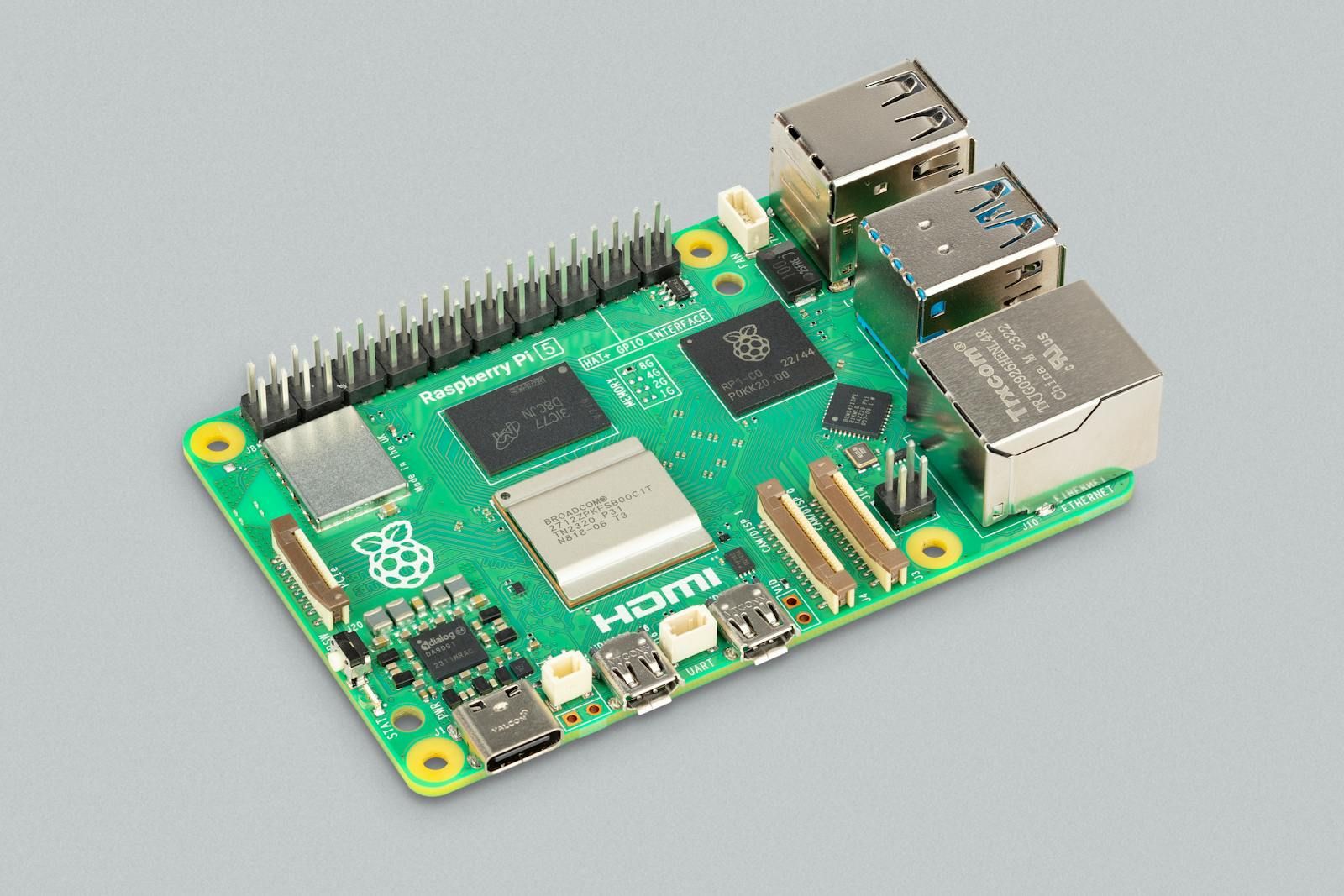
COG-RPI5-8GB
 1 / 2
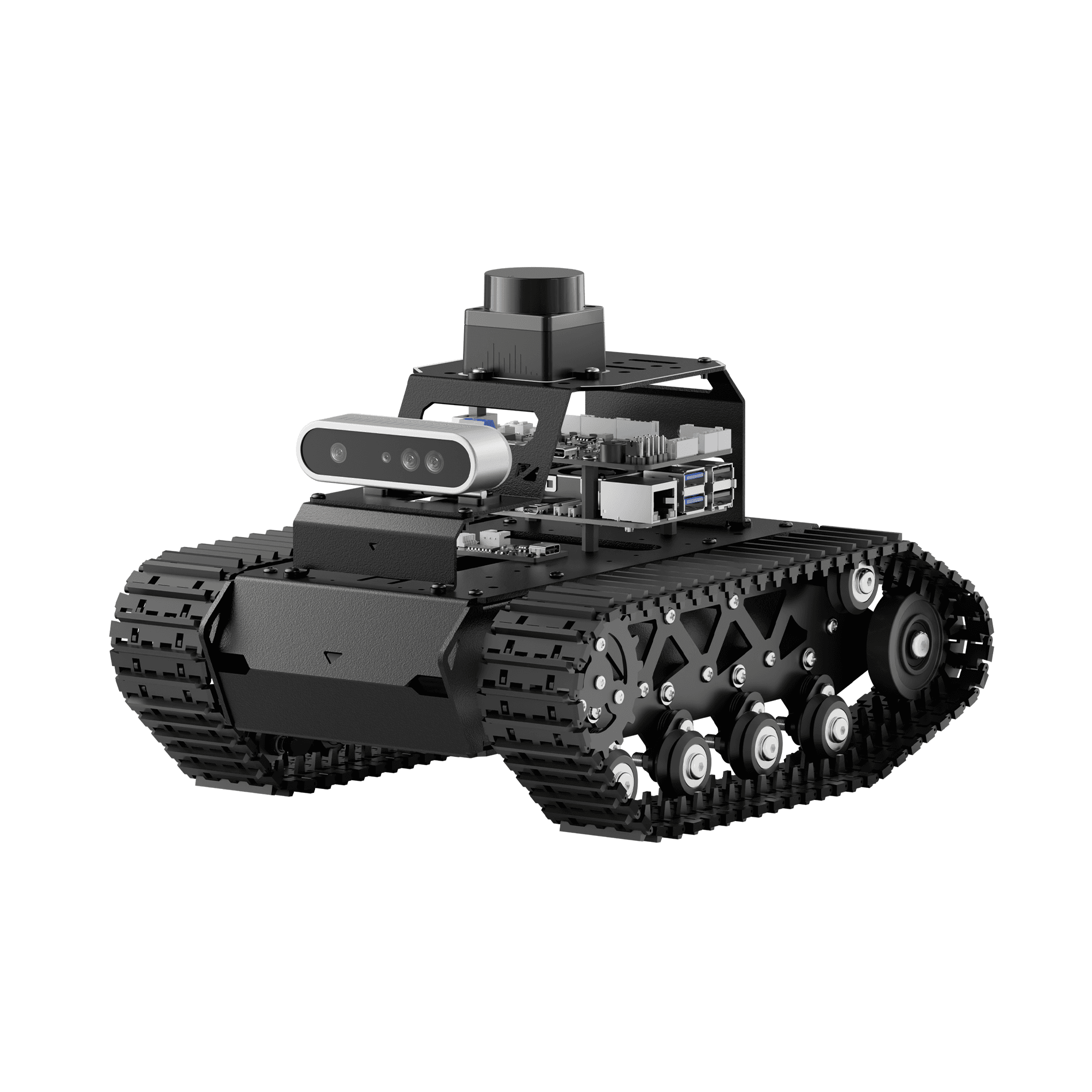
1 / 2Cogalloy's advanced ROS 2 tracked robot: Raspberry Pi 5 8 GB, dedicated motion control, RGB-D depth vision, 2D TOF LiDAR and AI voice interaction for mapping, navigation, computer vision and embodied-AI development.
Price
US$799.00
No account or payment needed. We usually confirm availability, lead time, shipping, and total price within 12 hours.
Or email us directly: sales@cogalloy.comShipping options and final delivery cost are shown at checkout.
COGALLOY SYSTEM ARCHITECTURE
T1 Advanced separates high-level compute from real-time motion and I/O control. That makes the system easier to inspect, tune and teach: commands, feedback and physical motion are visible parts of one robotics stack.
MULTI-SENSOR PERCEPTION
Depth vision and planar laser ranging serve different jobs. Validate streams, transforms, mounting and time behavior before mapping a room, localizing in it or commanding a route through it.
LEARNING PROGRESSION
Use a staged workflow: controlled driving, encoder and sensor acceptance, mapping, localization, path planning, then vision and voice applications. The order reduces debugging ambiguity and builds reusable robotics engineering habits.
SAFE COMMISSIONING
Verify charging, polarity, controller communication, encoder direction and track motion at low speed before running autonomous code. Keep the robot on a level, clear floor and away from drops, people and loose cables.
Product details
Clear product information, technical specifications and compatibility details—kept separate from the purchase decision.
Cogalloy T1 Advanced is a complete tracked development robot configured with a Raspberry Pi 5 8 GB compute host, a dedicated real-time motion controller, Hall-encoder geared motors, an RGB-D depth camera, 2D TOF LiDAR and an AI voice interaction module. It is designed as a coherent learning and prototyping platform rather than a collection of disconnected parts.
The Raspberry Pi 5 runs the operating-system, ROS 2 and application layer. A dedicated controller manages time-sensitive motor, encoder and peripheral work. This split makes it easier to inspect the full command path: ROS topic, control command, encoder feedback and tracked motion. Record the delivered wiring map and firmware versions before changing hardware or motion settings.
The RGB-D camera provides depth data for 3D perception and visual mapping exercises, while the 2D TOF LiDAR provides the planar scan path used in mapping and navigation workflows. Before relying on navigation behavior, verify sensor topics, coordinate frames, time synchronization and mechanical mounting. The final order confirmation is the source of truth for an approved sensor or accessory revision.
Use the platform in a deliberate order: power and manual control first; motor/encoder and sensor streams next; then mapping and localization; finally path planning, computer vision and voice-driven applications. This sequence keeps advanced lessons grounded in a working electrical, mechanical and sensing baseline.
The Advanced configuration includes an AI voice interaction module. Voice and large-model demonstrations can require network access, a compatible account or service and the matched software image. Hardware inclusion is not a promise that every cloud feature is available in every region or offline.
Charge with the matched charger before first use. Check battery polarity, controller/encoder communication, track direction, camera and LiDAR streams, and manual-stop behavior with the tracks safely unloaded or in a clear, level test area. Do not run mapping or navigation close to drops, stairs, people or loose cables. Use the final packing list for delivery-specific accessories and power details.
Motors
Hall-encoder DC geared motors
Weight
Approx. 1.88 kg for the configured robot
Battery
7.4 V 2200 mAh 10C protected battery configuration; runtime varies with workload, terrain and network use
Charger
Matched 8.4 V / 2 A charging set; plug and regional supply follow the final order
Chassis
Tracked / tank-style mobile base; metal structural frame
Cooling
Active cooling fan
Encoder
AB-phase incremental Hall encoder
Storage
64 GB TF card configuration
Dimensions
278 × 195 × 182 mm
Public SKU
COG-T1-ADV-8G
Compute host
Raspberry Pi 5, 8 GB RAM
Connectivity
Wi-Fi and Ethernet
2D perception
TOF LiDAR
3D perception
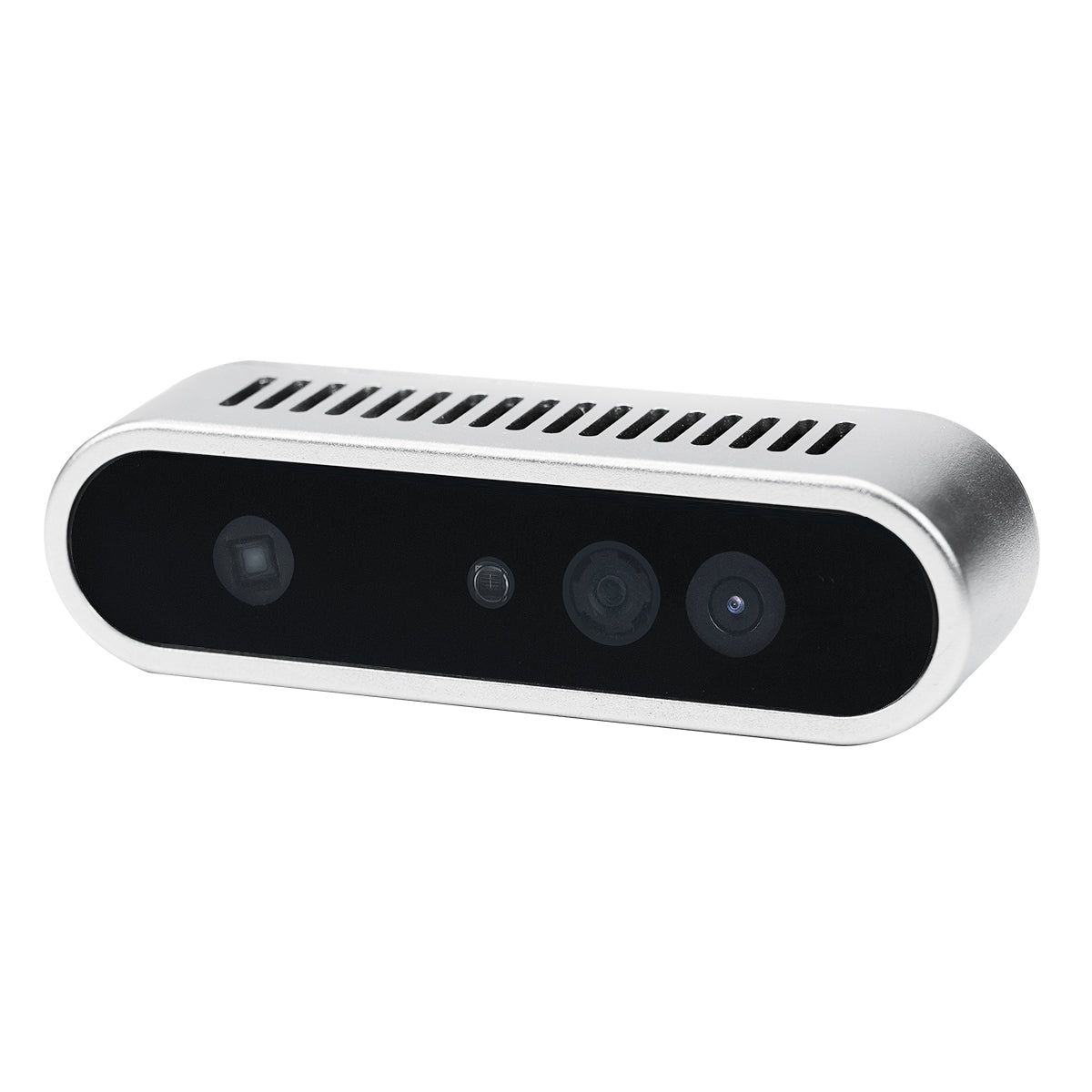
RGB-D depth camera
Configuration
Advanced ROS 2 tracked robot with Raspberry Pi 5 8 GB
Product model
Cogalloy T1 Advanced
Mobile control
iOS / Android companion app
Software stack
Raspberry Pi OS + Ubuntu 22.04 LTS + ROS 2 Humble (Docker)
AI voice interaction
Voice interaction module with matched USB/Type-C data path
Programming languages
Python, C, C++ and JavaScript
Motion and I/O control
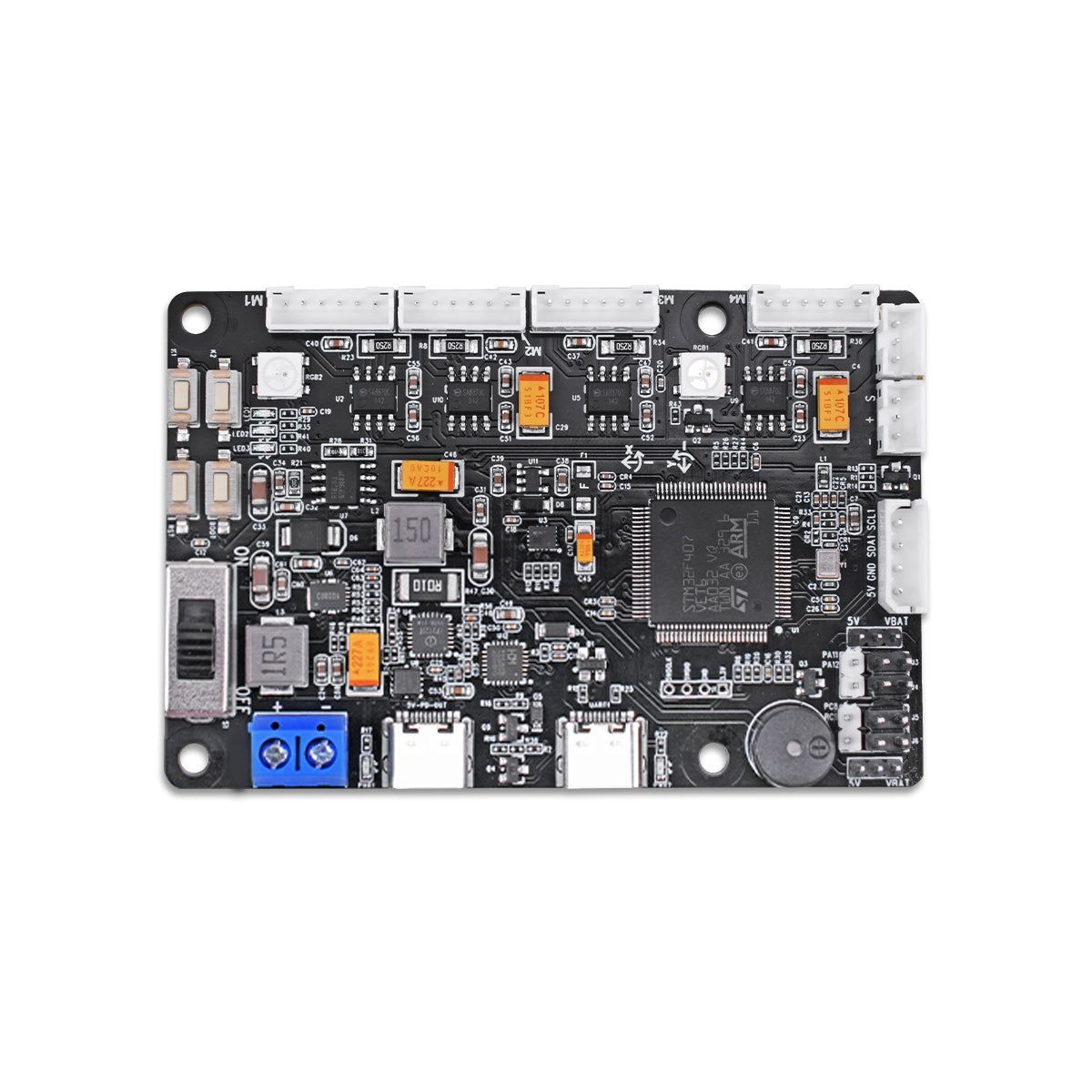
Dedicated real-time robot controller
Included learning materials
Development tutorials, video lessons, ROS source code, system image and software materials for the delivered configuration
Choose your destination at checkout to see the available shipping methods. Need integration advice before ordering? Our support team can help you choose compatible components.
In the box
Cogalloy T1 Advanced tracked robot assembly
Metal tracked platform with Hall-encoder geared motors and protected 7.4 V battery configuration.
Raspberry Pi 5 8 GB compute set
This COG-T1-ADV-8G configuration includes the 8 GB compute host, 64 GB TF card, active cooling and matching host-power hardware.
Motion-control and power set
Dedicated real-time controller, controller data cable, battery cable and matched charging set for the delivered configuration.
Depth and LiDAR perception set
RGB-D depth camera with data cable, plus 2D TOF LiDAR and its matched signal/power cabling.
AI voice interaction set
Voice interaction module and matched Type-C/USB connection path. Network and service requirements apply to cloud-enabled demonstrations.
Operator and setup accessories
Wireless controller and receiver, mounting parts, card reader, accessory bag and user documentation for the delivered configuration.
Final packing confirmation
Approved sensor revision, regional plug, charger, battery transport treatment and included accessories are confirmed on the final order and packing list.
Expert support
It is the public Cogalloy SKU for T1 Advanced with Raspberry Pi 5 8 GB. It identifies the advanced tracked, depth-perception and AI-voice configuration in the Cogalloy catalog.
Yes. COG-T1-ADV-8G is sold as the Raspberry Pi 5 8 GB configuration. Use the final order confirmation as the fulfillment record for each shipped item.
The approved configuration includes an RGB-D depth camera, 2D TOF LiDAR and AI voice interaction hardware. Confirm the final sensor and accessory revision on the order confirmation before beginning an integration project.
Use it for ROS 2 motion control, encoder feedback, depth perception, 2D mapping, localization, path planning, computer vision, voice interaction and controlled autonomy workflows. Start with a small, observable task and validate each hardware/data path before moving to the next layer.
Only after safe acceptance. First validate charging, battery polarity, controller and encoder communication, track direction, camera and LiDAR topics, transforms and manual control. Then make and inspect a map in a clear, level area before localization or route planning.
The Advanced configuration includes the required voice hardware. A demonstration may also need a network connection, compatible account or cloud service and a matched system image. Availability can vary by region and service, and should not be assumed to be offline by default.
Charge with the matched charger before first use, connect only after the hardware is installed correctly and confirm polarity before switching on. Follow the supplied battery guidance for charging and storage, and never operate near an edge, stairs or another fall hazard.
included
COG-RPI5-8GB
COG-RRC-LITE
COG-AURORA930-PRO
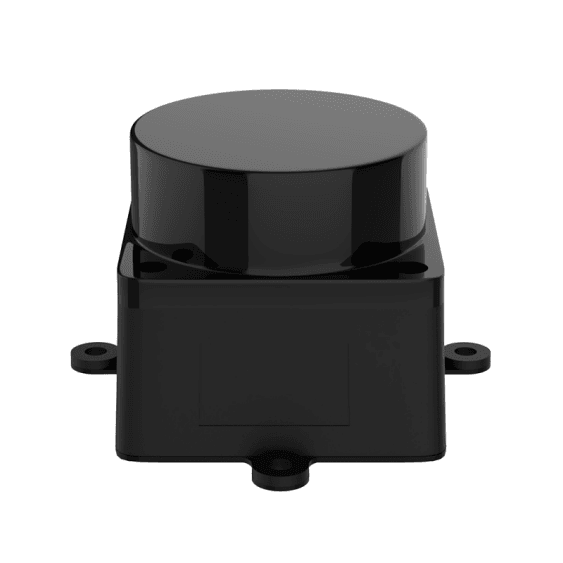
COG-MS200-LIDAR
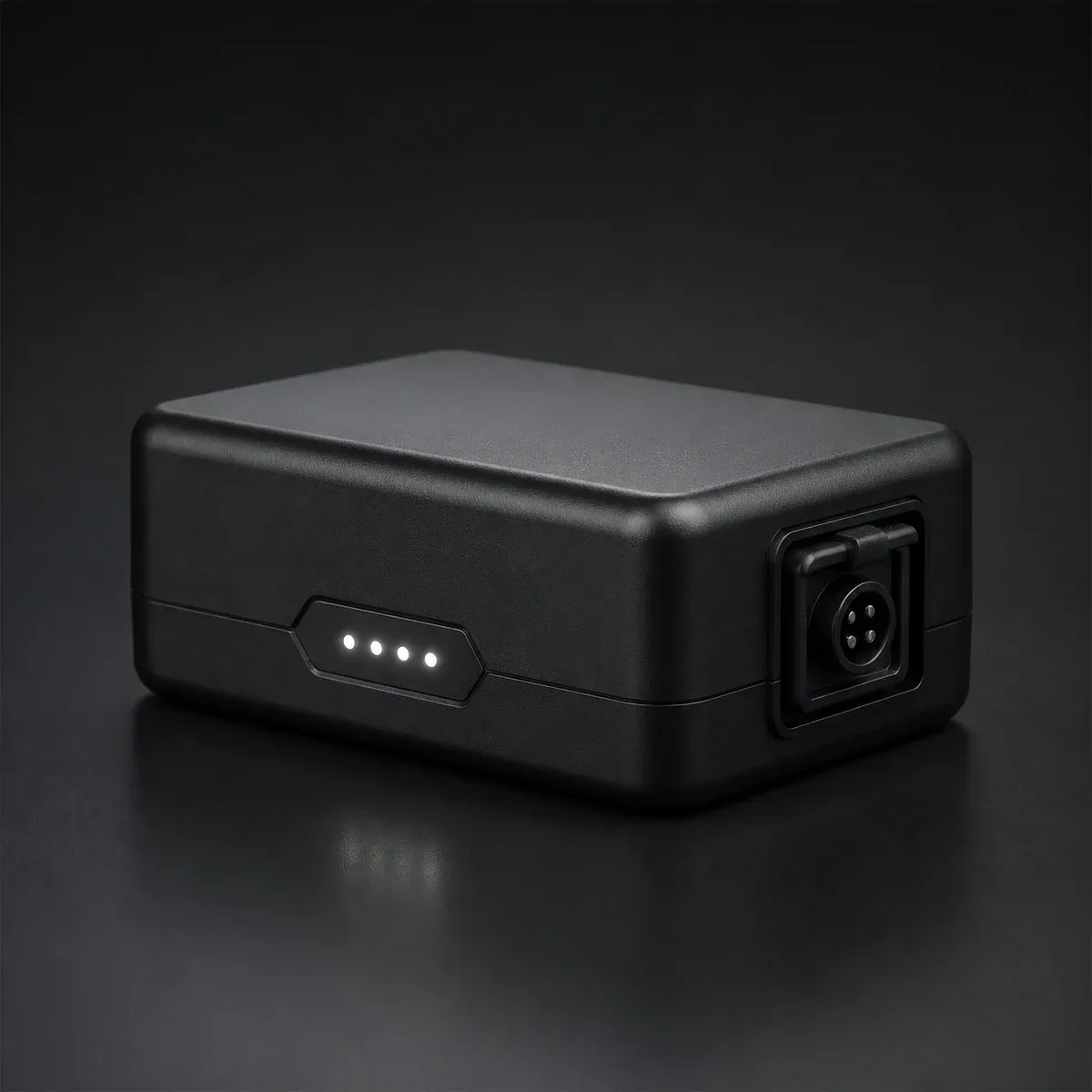
COG-7V4-2200-LIPO
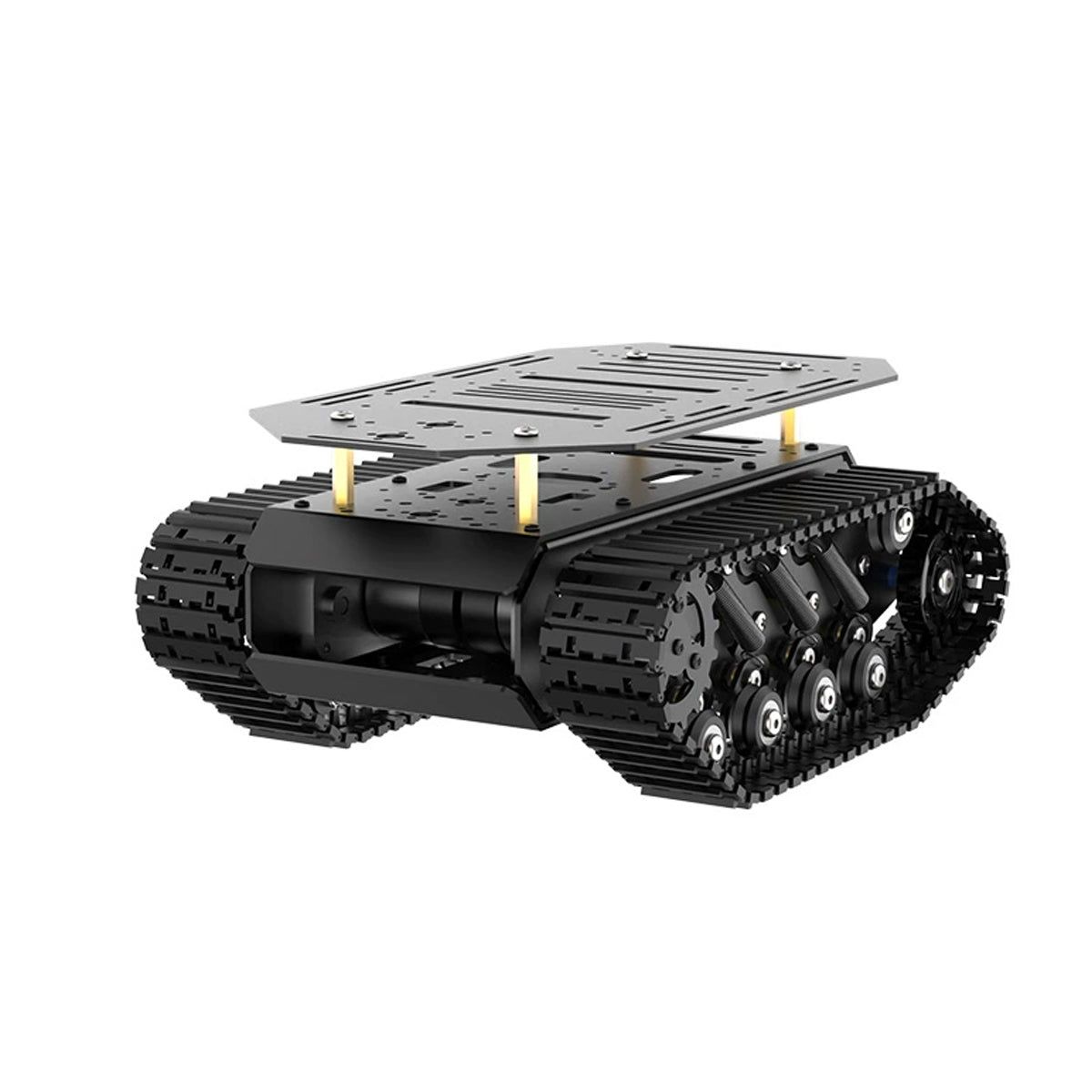
COG-T1-TRACK-BASE