What this guide proves
COG-AURORA930-PRO publishes or exposes stable aligned RGB-D data on the Raspberry Pi host, with its USB/power path and camera frames documented. The first target is observability, not object-recognition performance.
Hardware and scope boundary
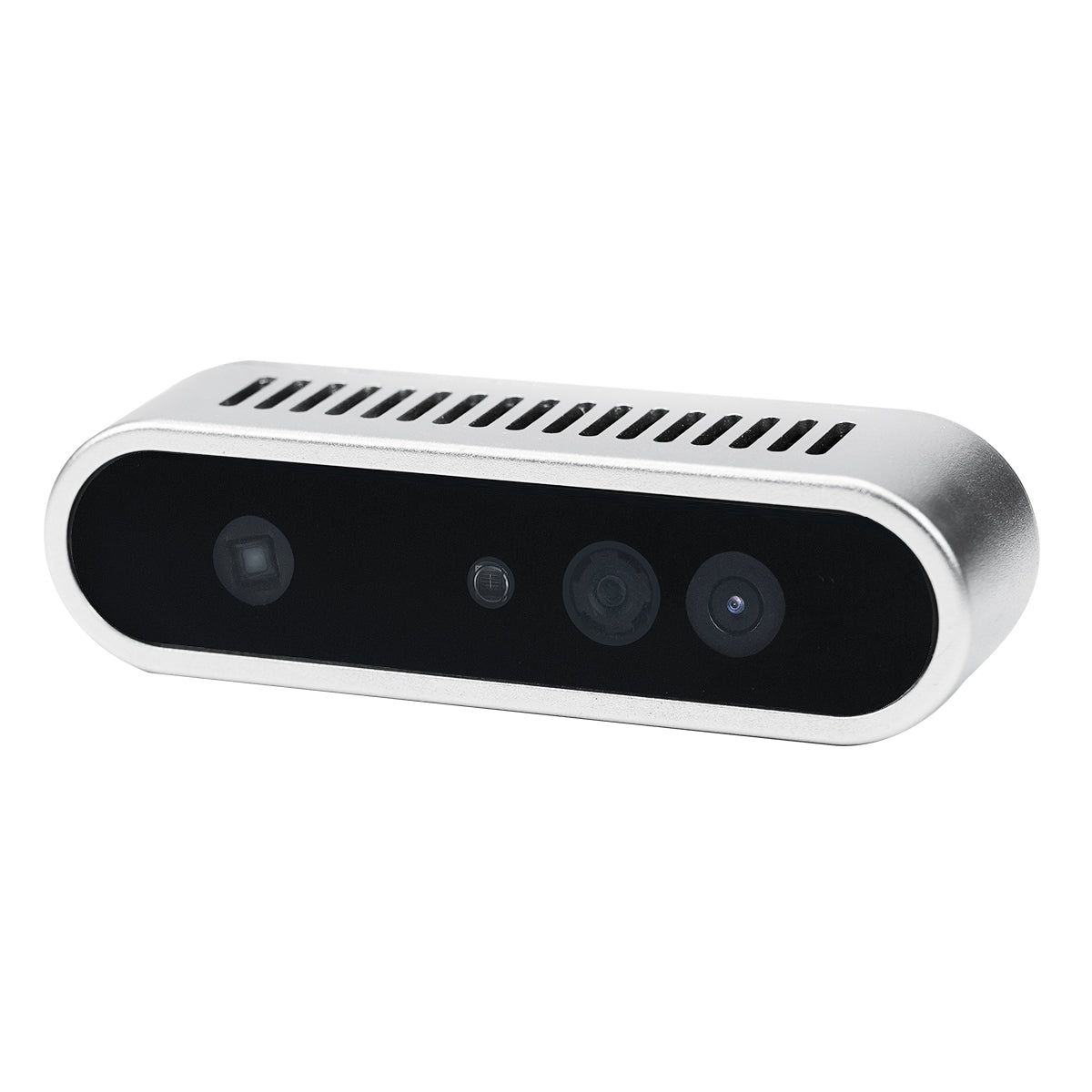
Aurora930 Pro is a structured-light RGB-D module with depth, RGB and IR streams at a published default of 640 × 400 @ 12 fps, a 74° × 51° field of view and hardware D2C alignment. It uses a USB 2.0 wafer connection and 5 V ±10% supply; final range, lighting and surface behavior require on-robot validation.
Prepare before applying power
Mount the 76.5 × 20.7 × 21.8 mm camera rigidly, provide a strain-relieved USB/power path sized for the stated supply budget, and verify the delivered connector/cable before it reaches the Pi. Start indoors with static, non-safety-critical targets.
Procedure
- Use the delivered Linux/ROS driver path and confirm that the host recognizes the device before launching an application pipeline.
- Inspect depth, RGB and IR data separately at the published default stream setting. Record image size, frame rate, timestamps, camera-info data and any observed drops.
- Verify hardware or software alignment behavior with a simple near-field target. Do not assume alignment or optical frame names from a different RGB-D camera.
- Use a small OpenCV or ROS image subscriber to display one RGB frame and one depth visualization, keeping processing load modest while you establish stability.
- Test representative lighting and surfaces at conservative distances. Document failures under glare, sunlight, dark materials or reflective objects rather than hiding them with a threshold.
Pass criteria and record
The result includes device/driver identity, connector and power record, stream parameters, camera-frame snapshot, sample images and observations from representative targets.
Do not proceed when
Stop if the device disconnects under cable movement, streams are not timestamped or aligned as expected, the supply is unstable, or the final application depends on untested lighting or material behavior.
Continue from here
After RGB-D data is stable, attach it to a verified TF tree and use it for a bounded perception task or as an additional modality alongside—not in place of—a validated 2D navigation scan.