What this guide proves
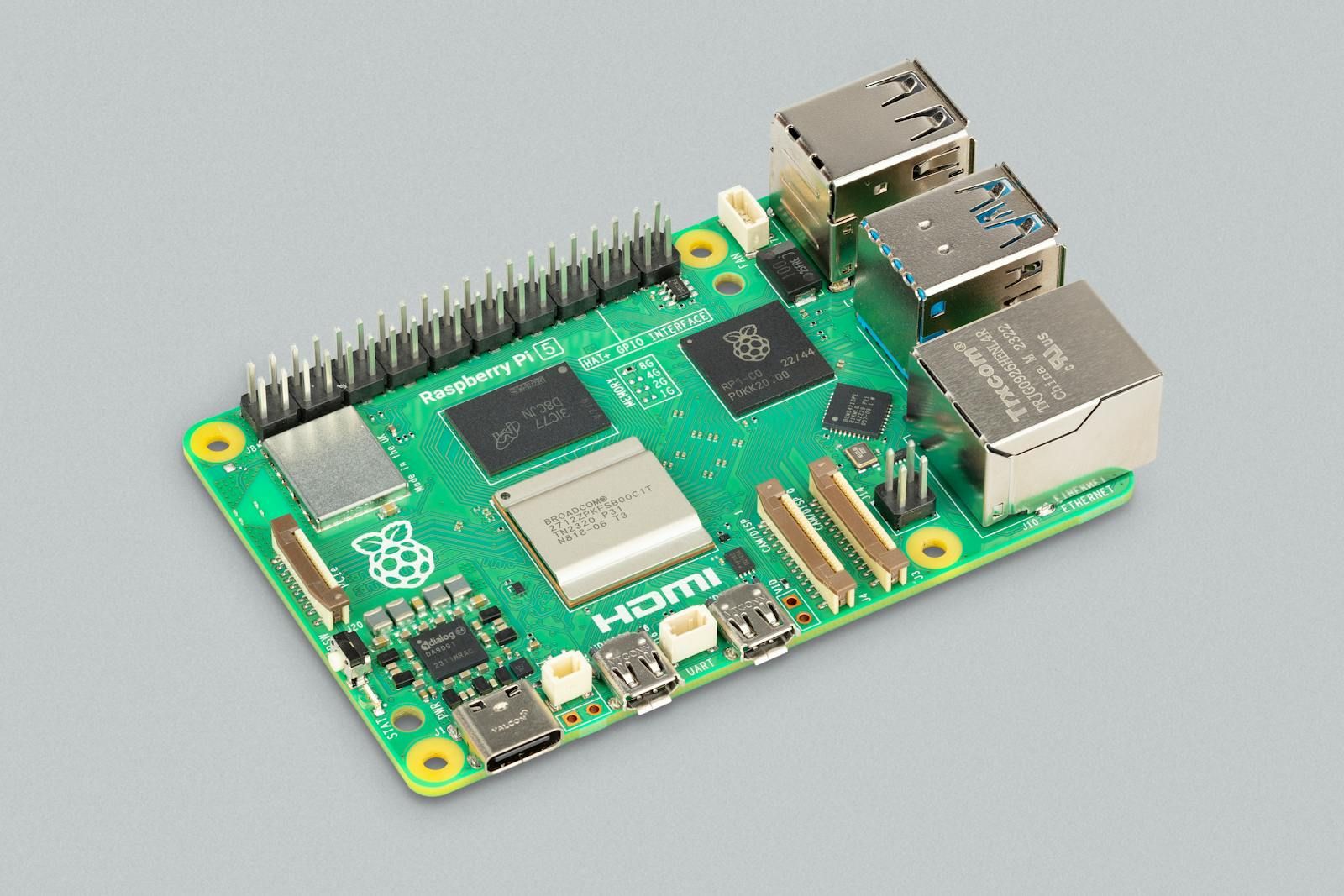
A Raspberry Pi 5 8 GB starts reliably, has a documented Ubuntu 24.04 + ROS 2 Jazzy workspace, and can exchange a local ROS 2 demo message. This is a software-and-compute baseline, not a motor-control acceptance test.
Hardware and scope boundary
COG-RPI5-8GB is a bare board. Power supply, active cooler, storage, enclosure, cables and robot mounting are separate. The Pi is the Linux and ROS 2 host; deterministic motor and encoder I/O belongs on a dedicated controller such as COG-RRC-LITE.
Prepare before applying power
Use a known-good USB-C 5 V / 5 A PD supply, active cooling for sustained work, and a tested microSD card or other validated boot storage. Work on a bench before connecting motors, servos, LiDAR or a battery-powered chassis.
Procedure
- Install a fresh 64-bit Ubuntu 24.04 image, boot the Pi, record the image version and update the operating system before adding robot-specific packages.
- Install the ROS 2 Jazzy base or desktop packages and the ROS development tools from the official ROS repository. Source the Jazzy setup script in the shell that will run ROS commands.
- Create a clean workspace with a src directory, build it with colcon, and record the workspace path in the project README or build log.
- In two terminals, run the standard talker and listener demos. Confirm that the listener receives a continuous sequence and that both processes exit cleanly.
- Check temperature and power stability while the demos run. Add the selected active cooler and repeat the check before putting the board into an enclosure.
Pass criteria and record
Keep the OS image version, ROS distribution, storage type, power supply, cooler and demo result in the build record. A good result is repeatable after a reboot without undervoltage, unexpected reboot or thermal throttling symptoms.
Do not proceed when
Stop if the board reports power instability, becomes thermally constrained in its final enclosure, cannot retain the workspace after reboot, or the demo communication is intermittent. Solve this compute baseline before diagnosing downstream hardware.
Continue from here
Use the ROS 2 Python-node guide to establish application telemetry, then commission COG-RRC-LITE or the delivered low-level controller on a separately powered, motor-safe bench.